



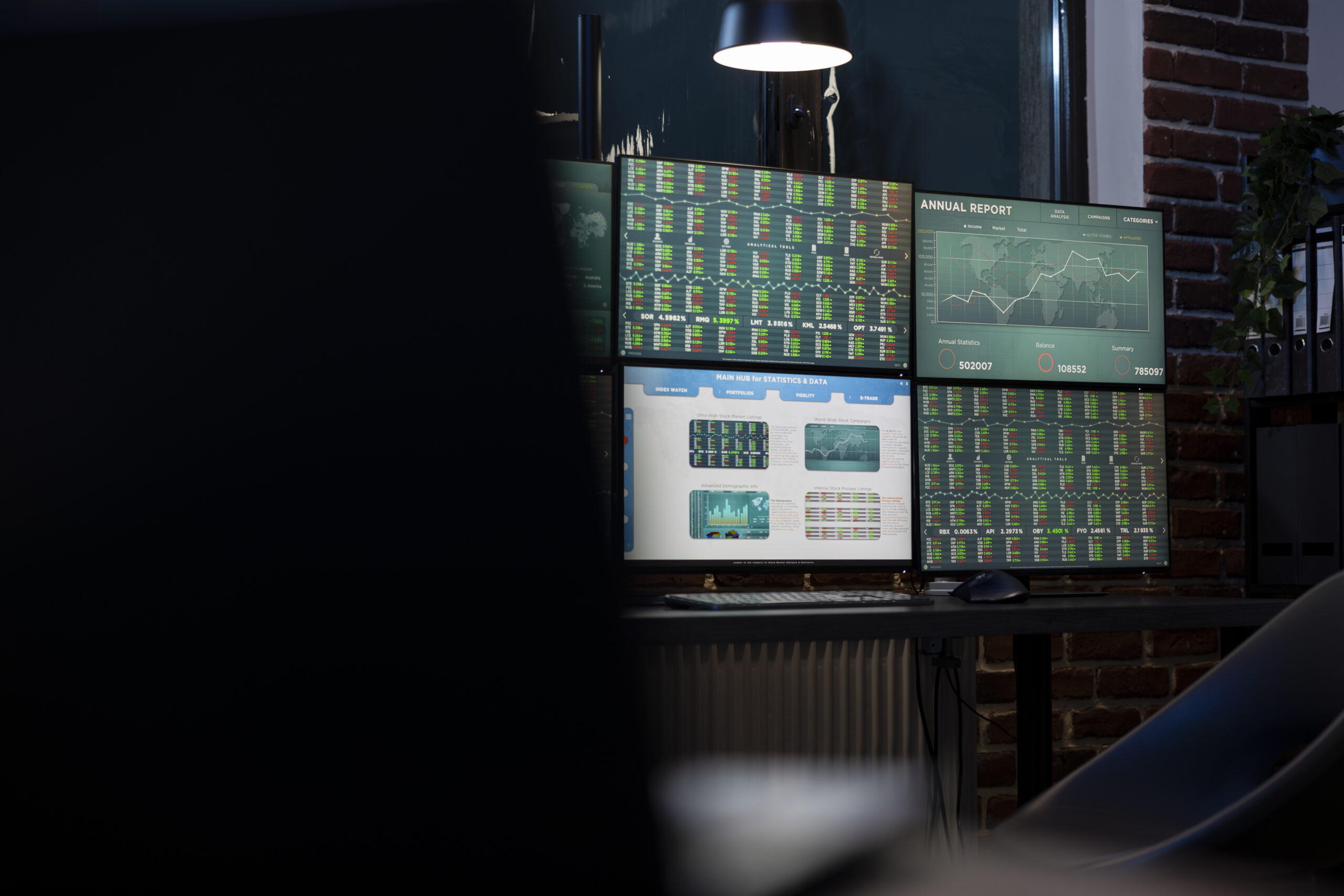
Centralized Dashboard
Centralized Dashboard
Monitor Anything
With our centralized IT dashboard solution, businesses can monitor entire infrastructure networks from a unified single screen.
Get a single pane of glass view for your entire IT infrastructure.

Network Monitoring
Track performance, bandwidth, and network status in real-time.
Server Monitoring
Monitor CPU usage, RAM, storage, and server stability.
Cloud Monitoring
Manage resources and applications in cloud environments seamlessly.

Application Monitoring
Ensure critical applications run without interruption.
Service Monitoring
Control the availability and quality of IT services for end-users.

Security Monitoring
Detect cyber threats, control user access, monitor firewall/IDS/IPS security logs, and ensure compliance with international security standards.
A dashboard is a combination of one or more panels arranged in one or more rows. Grafana comes with various panel types that make it easy to build the right queries and customize visualizations to suit your needs. Each panel can interact with data from any configured Grafana data source.
Dashboard snapshots are static. Queries and expressions cannot be re-run from a snapshot.
Therefore, if you update any variables in a query or expression, your dashboard data will remain unchanged.
Monitoring within the Grafana system occurs frequently, often as part of the widget engine. It allows you to obtain a detailed overview of a device's operational status by monitoring specific system performance metrics.
This monitoring system is used to track system resources, such as CPU usage and frequency, or the amount of available RAM. It is also used to display metrics such as free space on one or more hard drives, CPU and other critical component temperatures, as well as network information including system IP addresses and current upload/download rates. Other possible displays include date and time, system uptime, computer name, username, hard drive status, fan speeds, and power supply unit voltages.
Ultimately, this helps in managing system resources more efficiently, thereby enhancing overall business performance.